Deterministic line of sight
Evaluate declared vision sources against baked and runtime obstacles with a stable gameplay-facing result.
Fog of War
Available nowBuild deterministic line of sight, persistent exploration, and competitive concealment, with URP presentation and optional networking adapters.
Fab AvailableUnity Asset Store In review
Version 26.9.0 · Watch the 15-second visibility demo
See it in action
15-second visibility demo · silent · plays when you choose.
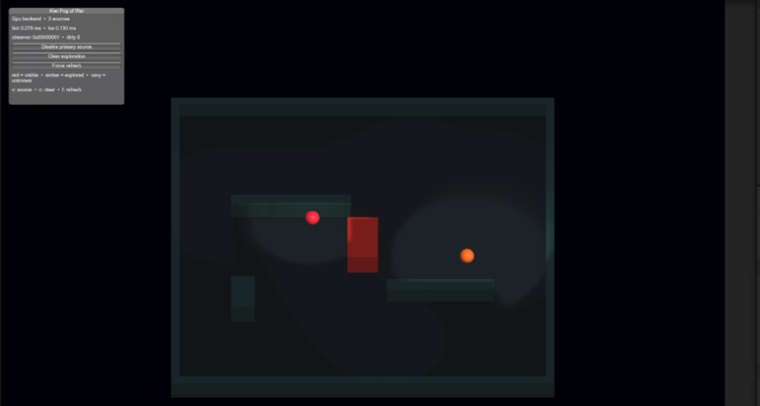
An orange observer stands in the left room. The central red door begins closed, opens around 4.5 seconds, and closes again around 10.5 seconds. Visibility changes through the doorway as the obstacle moves. The clip is silent. Recorded with Unity Recorder in Unity 6000.5.6f1 for the 26.8.5 sample showcase; it is a workflow demonstration, not a hardware performance measurement.
gameplay-first visibility
Fog of War separates deterministic visibility simulation from presentation. Gameplay systems can ask who is visible and what has been explored while the included URP adapter renders the same state for the player.
Evaluate declared vision sources against baked and runtime obstacles with a stable gameplay-facing result.
Drive actor visibility, targetability, selection, and other gameplay decisions from the same visibility state.
Track discovered areas separately from current visibility so maps can retain exploration without revealing live information.
Keep authoritative visibility decisions independent of the client renderer and integrate them into networked gameplay.
Choose the presentation backend that fits the target while keeping the visibility contract stable for gameplay code.
Inspect active sources, obstacles, grid state, renderer settings, and workload instead of treating fog as a black box.
from exploration to competition
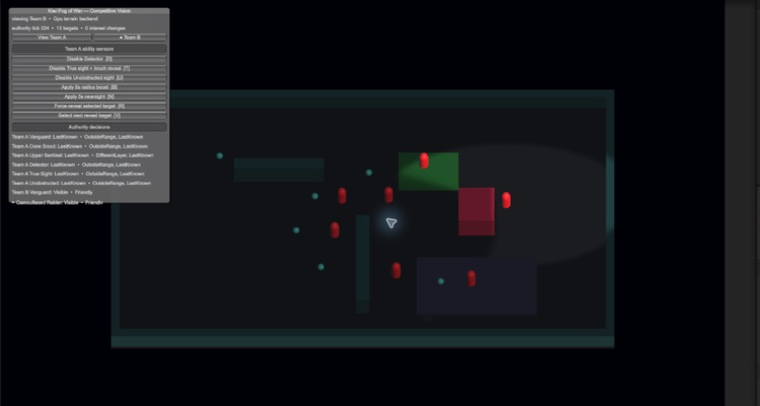
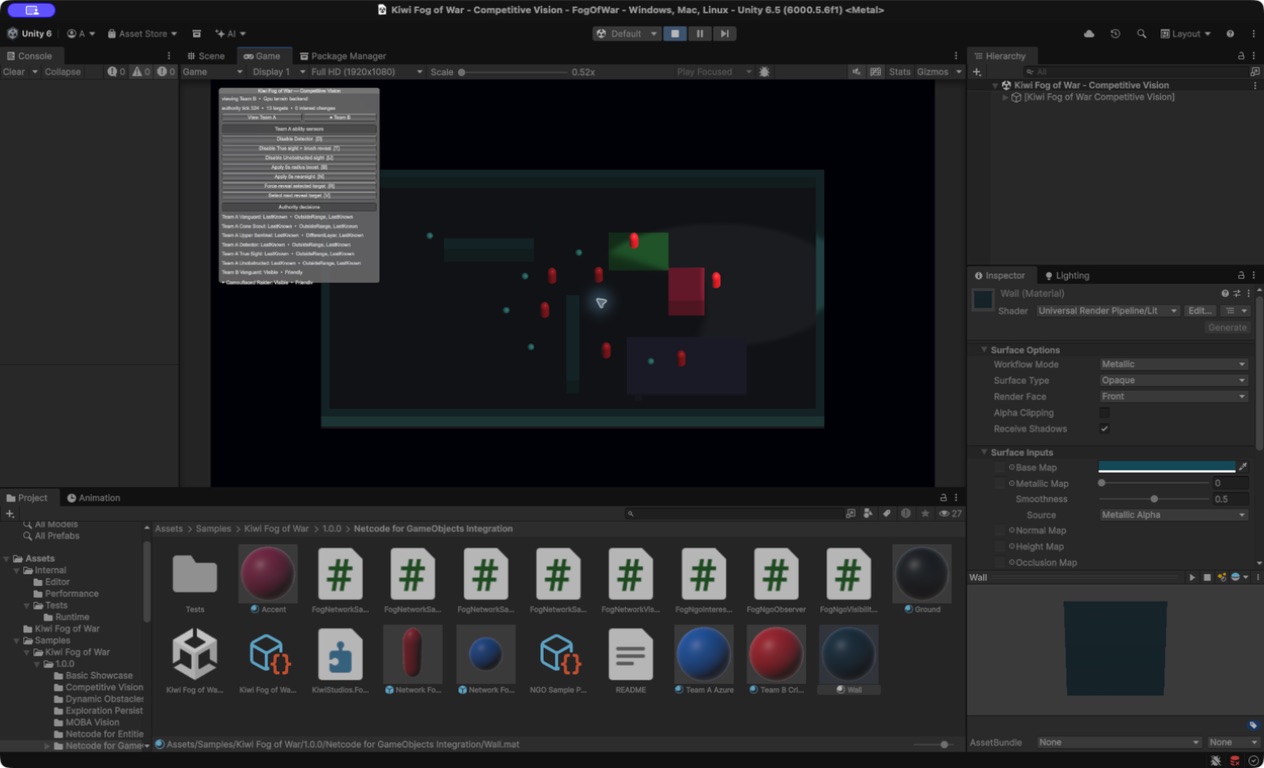
Use the same system for conventional exploration fog and for competitive visibility where actors, targeting, and networking must agree on what a player is allowed to know.
guided setup
Create the default system and a starting vision source from the Kiwi Studios tools menu.
Add vision sources and mark actors that need concealment or targetability decisions.
Add line-of-sight blockers and bake static scene data where appropriate.
Enable exploration storage and optional network integration only where the game needs them.
Use the debug and performance views to verify the active profile, backend, grid, and visibility state.
explicit system boundary
Built for Unity 6000.0 or newer and documented around 3D worlds using the XZ plane.
The included renderer targets URP while gameplay visibility and texture-state contracts remain separate from presentation.
Networking adapters are optional; authoritative games should keep final visibility decisions on the authority that owns gameplay state.
maintained reference
Read setup, competitive vision, persistence, networking, API, performance, compatibility, and troubleshooting guidance.